|
Slippers Engine
|

|
|
Slippers Engine
|
|
Debugging tool for visualizing information. More...
#include <Visualizer.h>
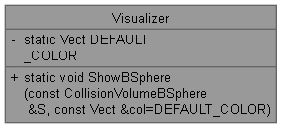
Static Private Member Functions | |
| static void | ShowSegment (const Vect &p1, const Vect &p2, const Vect &col=DEFAULT_COLOR) |
| Shows a line segment with a given color. | |
| static void | ShowPoint (const Vect &pos, const Vect &col=DEFAULT_COLOR) |
| Shows a point in space with a given color. | |
| static void | ShowCollisionVolume (const CollisionVolume &cv, const Vect &col=DEFAULT_COLOR) |
| Shows a collision volume of an object using a given color. | |
Static Private Attributes | |
| static Vect | DEFAULT_COLOR = Color::Blue |
| Visualizer default color is blue. | |
Debugging tool for visualizing information.
This debugging tool aims to display graphical information to the user. It can display bounding spheres.
|
staticprivate |
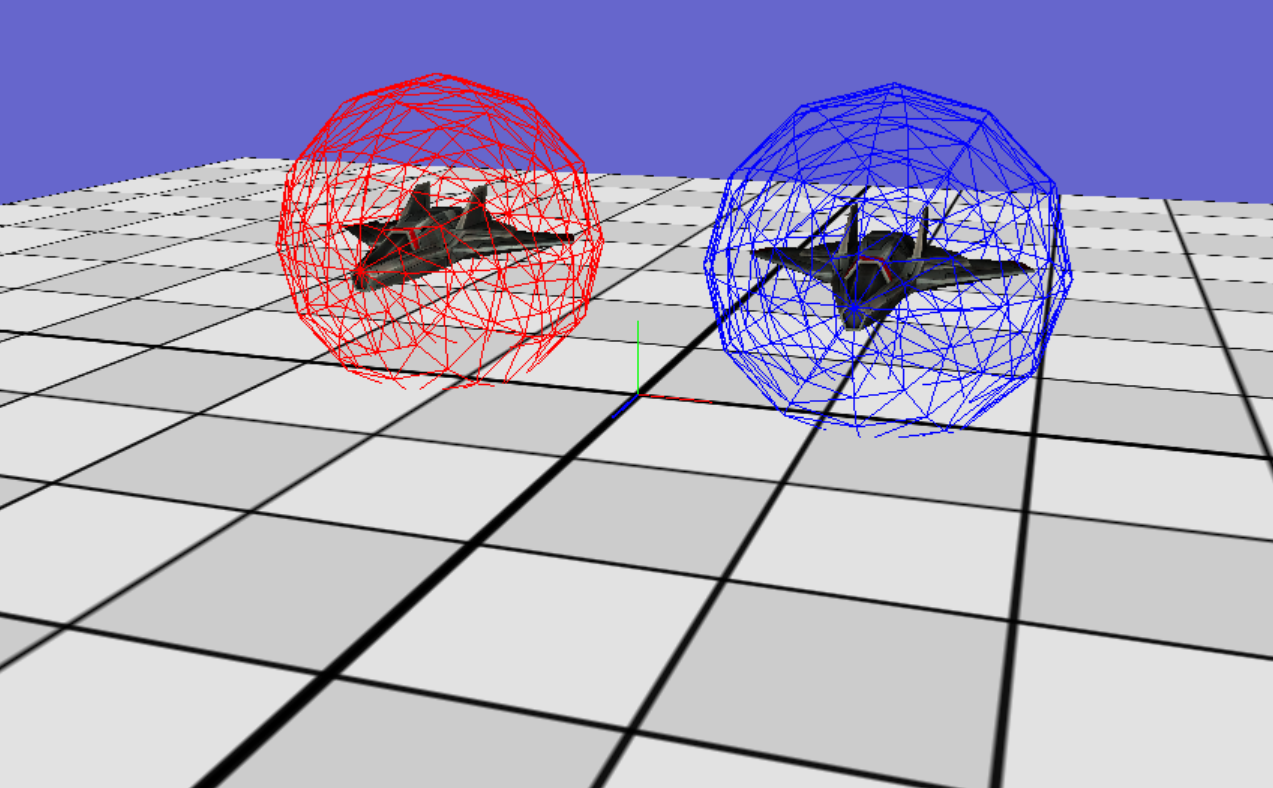
Shows a collision volume of an object using a given color.
This is the visualizing debug tool for showing collisions. A color vect can be selected when visualizing the volume or it will default to blue. This function can be called anywhere within ones code. Go to Collidables for more information on setting up a collision volume.
| S | |
| col |
|
staticprivate |
Shows a point in space with a given color.
This is a visualizing debug tool for showing points. A color vect can be selected when visualizing the segment or it will default to blue. This function can be called anywhere within ones code.
| pos | |
| col |
|
staticprivate |
Shows a line segment with a given color.
This is a visualizing debug tool for showing line segments. A color vect can be selected when visualizing the segment or it will default to blue. This function can be called anywhere within ones code. This function requires both a start and end point for the segment.
| p1 | |
| p2 | |
| col |
|
staticprivate |
Visualizer default color is blue.
 1.13.2